
Scan to PDF
Capture pages and bring documents into your digital workflow.
 SCANNER STK / EX STK
Scan to PDF, sign documents and organise your files. Ask Chat STK questions about selected documents, with your library on your device or in your own connected cloud storage.
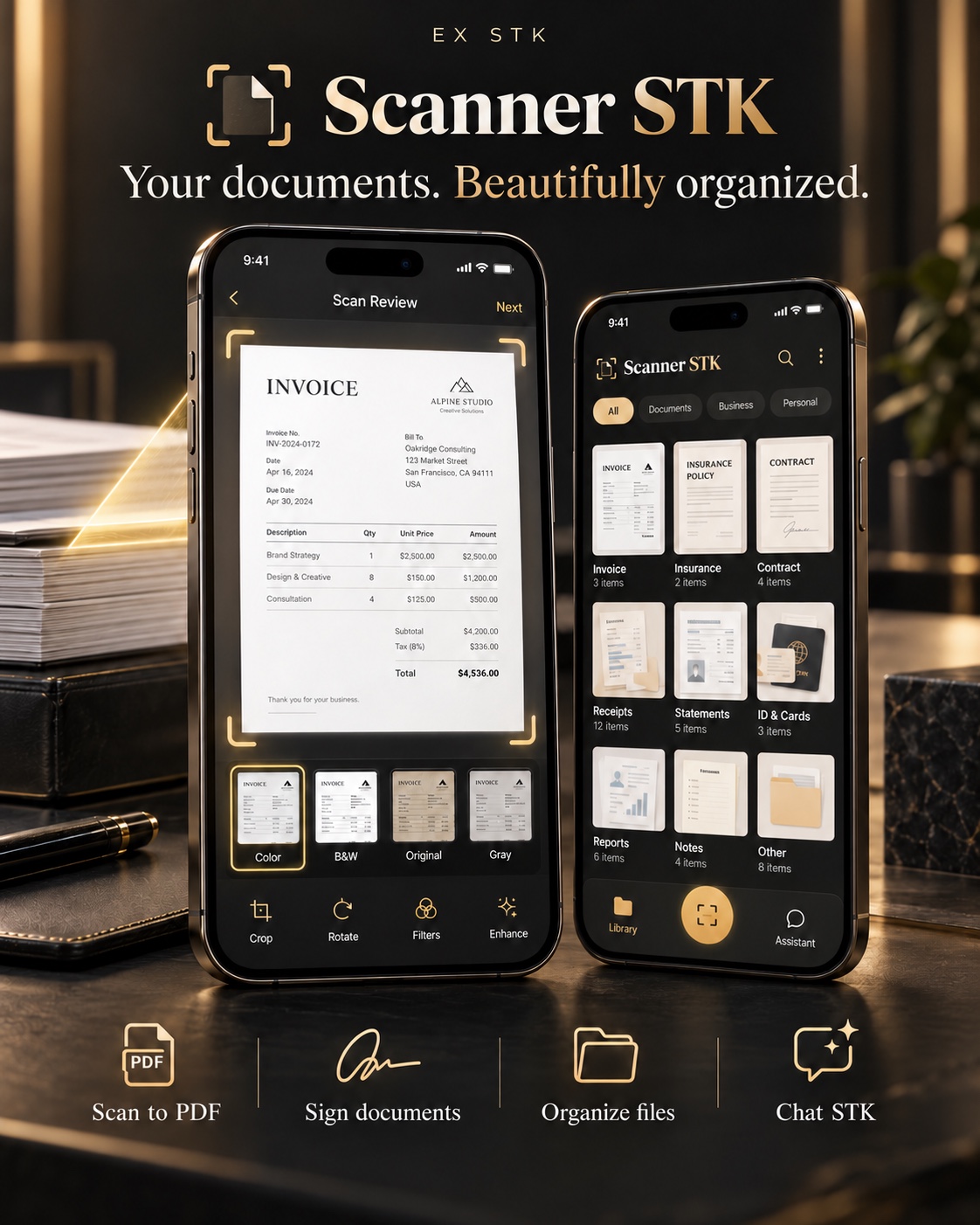
From a quick scan to finding the right file, keep your document tasks together.
Capture pages and bring documents into your digital workflow.
Add your signature to the documents you work with.
Keep invoices, receipts, notes and other documents in your library.
Ask questions using a message, a selected image or selected PDF content.
Keep files on your device, or choose your own iCloud or Google Drive account. Text extraction and ordinary search run on the device.
When you use Chat STK, your question and selected context are sent through Cloudflare to Groq. For an image, the chosen image is included. For a PDF, a first-page image and extracted text are sent, not the original PDF in full. Other library files are not sent automatically.
Read how your data is usedHelp with scanning, signatures, cloud storage, Chat STK, purchases, accounts and data requests.